




Picking a Linux distribution for web hosting feels like choosing from a menu written in a foreign language. You’ve got hundreds of options, but most guides throw technical jargon at you without explaining what actually matters.
Here’s the truth: over 80% of web servers run Linux, but only a handful of distributions actually make sense for hosting. The rest? Desktop-focused systems that’ll give you headaches the moment you try to run a production website.
This guide covers 10 Linux distributions powering real web servers in production. Server-focused systems, not desktop versions repurposed for hosting.
Why Your Linux Distro Choice Actually Matters
Your hosting provider shows you 3-5 Linux options during setup. That choice determines whether you patch security holes every week or relax while automatic updates handle everything.
Pick Ubuntu Server, and you get 5 years of support. Choose something obscure, and you’re Googling error messages at 2 AM when your site goes down.
What’s actually at stake:
- Security timeline – Some distros support systems for 10 years, others abandon you after 18 months
- Control panel stuff – cPanel only works with specific distributions, period
- Resource drain – Heavy distros waste RAM that should power your applications
- Getting help – Popular distros mean Stack Overflow already answered your question
The hosting world changed massively in 2024. CentOS basically imploded, prompting everyone to move to AlmaLinux and Rocky Linux. Ubuntu 24.04 LTS dropped with better performance. Debian 12 finally gained support for modern hardware.
Running a Linux VPS? Your needs differ significantly from those of managing a dedicated server cluster – context matters.
What Makes a Linux Distribution Good for Server Hosting?
Desktop Linux and server Linux aren’t the same thing. Desktop distros include unnecessary software that eats up resources and creates security vulnerabilities.
Stability and Long-Term Support
Production servers can’t handle experimental features. You need LTS (Long-Term Support) releases with predictable lifecycles.
Look for:
- 3-5 year minimum support windows
- Package repositories that don’t randomly break
- Clear upgrade paths between versions
- Conservative kernel updates that won’t surprise you
Enterprise distros like RHEL derivatives support systems for 10 years. Crucial when you’re running applications that can’t tolerate weekly disruptions.
Security and Update Frequency
Security patches need to arrive yesterday, but shouldn’t explode your configuration. The best server distros balance speed with thorough testing.
Security essentials:
- Automatic security updates (with rollback options)
- SELinux or AppArmor built-in
- Fast CVE patch deployment
- Active security teams are monitoring threats
Ubuntu Server and Debian excel here. Fast patches, large security teams, and clear communication about vulnerabilities.
Resource Efficiency and Performance
Every MB your OS consumes means less for your websites, databases, and applications. Server distributions ruthlessly strip desktop bloat.
Resource reality check:
- Base OS typically uses 150-500 MB of RAM
- Package management overhead varies wildly
- Server-optimized kernels make measurable differences
- Built-in monitoring tools save troubleshooting time
Top Distro Quick Comparison Table
| Distro | Best For | Support | RAM Usage | Key Strength |
|---|---|---|---|---|
| Ubuntu Server | Beginners, Cloud | 5 years (10 with Pro) | 300–400 MB | Massive community, tutorials everywhere |
| AlmaLinux | cPanel, Enterprise | 10 years | 250–350 MB | 1:1 RHEL compatible, free |
| Debian | Production stability | 5+ years | 150–250 MB | Rock-solid, conservative updates |
| Rocky Linux | Enterprise, Virtualization | 10 years | 250–350 MB | RHEL-compatible, community-driven |
| Alpine Linux | Containers, Microservices | 2 years (LTS) | Under 100 MB | Minimal footprint, secure |
| Fedora Server | Development, Testing | 13 months | 400–500 MB | Latest packages, innovation lab |
| openSUSE Leap | Mixed environments | 18 months | 300–400 MB | YaST admin tool, balanced |
| Oracle Linux | Oracle ecosystem | Free + optional support | 300–400 MB | UEK kernel, database-optimized |
| CentOS Stream | Development, Preview | Rolling | 300–400 MB | RHEL preview, continuous updates |
| Manjaro | Desktop-server hybrid | Rolling | 400–500 MB | Arch-based, user-friendly |
Top 10 Linux Distros for Web Hosting and Servers (2026)
These power most production web servers globally. Each fits specific hosting scenarios better than others.
- Ubuntu Server – Best for Beginners and Cloud Hosting

Ubuntu Server dominates cloud hosting with 40%+ market share across AWS, Azure, and Google Cloud. Canonical’s backing ensures consistent LTS releases.
Why Ubuntu Server works:
- Ubuntu 24.04 LTS (April 2024) supported through 2029
- A massive community means every problem has documented solutions
- Docker, Kubernetes, and modern DevOps tools work flawlessly
- Tutorials everywhere assume Ubuntu
Best for: First-time server admins, cloud hosting, development environments, WordPress hosting
Ubuntu’s apt package manager makes installing software straightforward. Ubuntu Pro extends security updates to 10 years if you need longer support.
- CentOS Stream – Rolling Preview of RHEL

CentOS Stream has been transformed from a RHEL clone into RHEL’s upstream development platform. It sits just ahead of RHEL in the development pipeline.
Why CentOS Stream has a place:
- Continuous rolling updates with RHEL-like stability
- Preview upcoming RHEL features before general release
- Free and open development model
- Compatible with most RHEL-targeted software
Perfect for: Development environments, testing upcoming RHEL features, organizations comfortable with rolling releases, non-critical workloads
CentOS Stream sits in the middle ground between Fedora’s rapid innovation and RHEL’s enterprise stability. Not everyone’s first choice anymore, but still relevant for specific use cases.
- Manjaro – User-Friendly Arch Alternative

Manjaro positions itself as Arch Linux made accessible. It takes Arch’s rolling release model and adds user-friendly installation, pre-configured desktop environments, and stability testing.
Why Manjaro appeals to some:
- Arch-based rolling release with delayed package testing
- Pre-installed desktop environments (XFCE, KDE, GNOME)
- Access to AUR (Arch User Repository) packages
- Hardware detection and driver installation simplified
Perfect for: Development workstations, testing environments, users wanting Arch benefits without installation complexity, desktop-server hybrid systems
Manjaro delays Arch packages by about 2 weeks for stability testing. This makes it more stable than pure Arch but still less predictable than LTS distributions.
- AlmaLinux – Enterprise-Grade CentOS Replacement
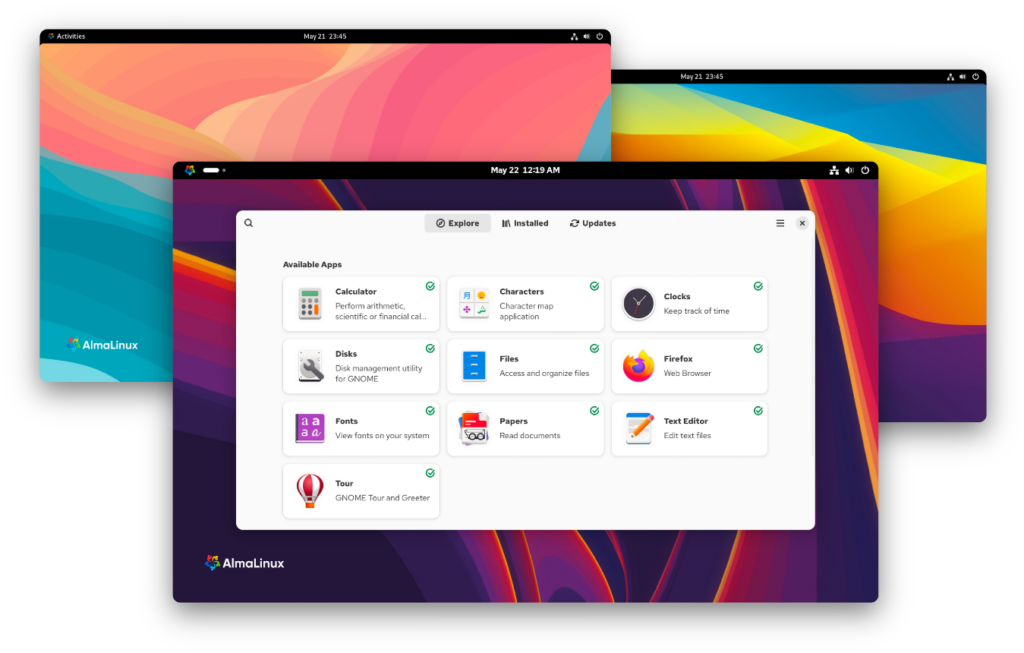
When CentOS shifted to CentOS Stream, AlmaLinux emerged as the community’s RHEL-compatible choice. It’s a 1:1 binary compatible with Red Hat Enterprise Linux, with zero licensing costs.
Why AlmaLinux matters:
- 10-year support for each major release
- Drop-in CentOS replacement
- cPanel/WHM compatibility guaranteed
- Nonprofit foundation backed by corporate sponsors
Best for: cPanel hosting, enterprise environments, CentOS migrations, RHEL-compatible applications
- Debian – Rock-Solid Stability for Production
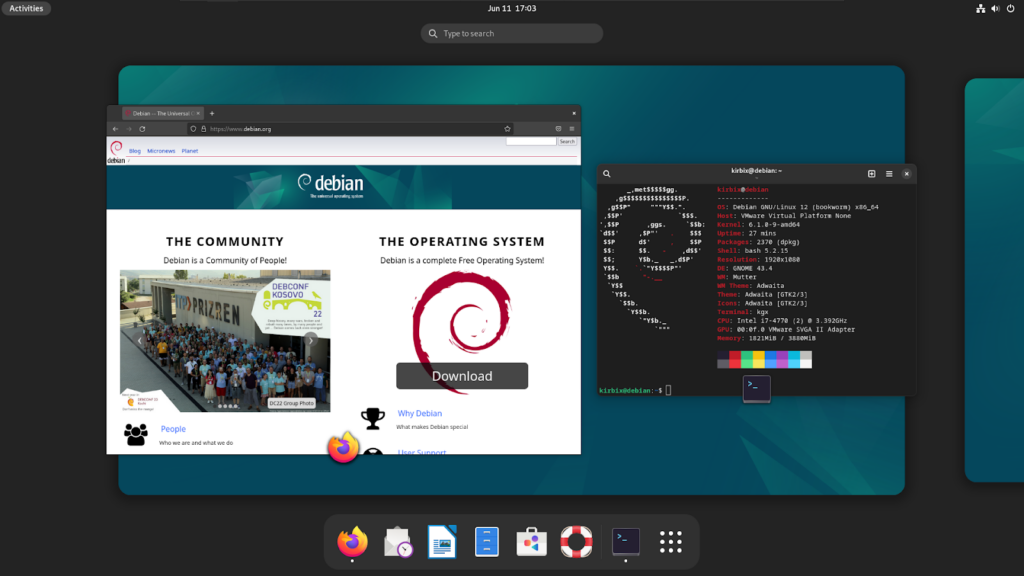
Debian has powered web servers since the 1990s. Conservative update philosophy makes it incredibly stable – boring in the absolute best way.
Why Debian wins:
- Debian 12 Bookworm ultra-reliable
- 59,000+ packages available
- Base for Ubuntu and hundreds of derivatives
- Community-driven, no corporate puppet strings
Best for: Production servers needing maximum uptime, experienced admins, custom configurations, long-running applications
Debian’s release cycle spans 2-3 years between major versions. Security updates continue for 5+ years per release. Testing and unstable branches exist for newer packages.
- Rocky Linux – Community-Driven RHEL Alternative

Rocky Linux launched as CentOS’s successor, alongside AlmaLinux. Created by the founder of CentOS, it focuses on community governance and compatibility with RHEL.
Why Rocky Linux:
- 100% RHEL-compatible
- Active community development
- Strong virtualization support (KVM, Proxmox)
- 10-year support lifecycle
Best for: Enterprise hosting, virtualization hosts, data centers, teams familiar with RHEL/CentOS
Rocky and AlmaLinux are similar – both nail RHEL compatibility. Rocky emphasizes governance transparency; AlmaLinux has more corporate backing. Either works great.
- Fedora Server – Cutting-Edge for Developers
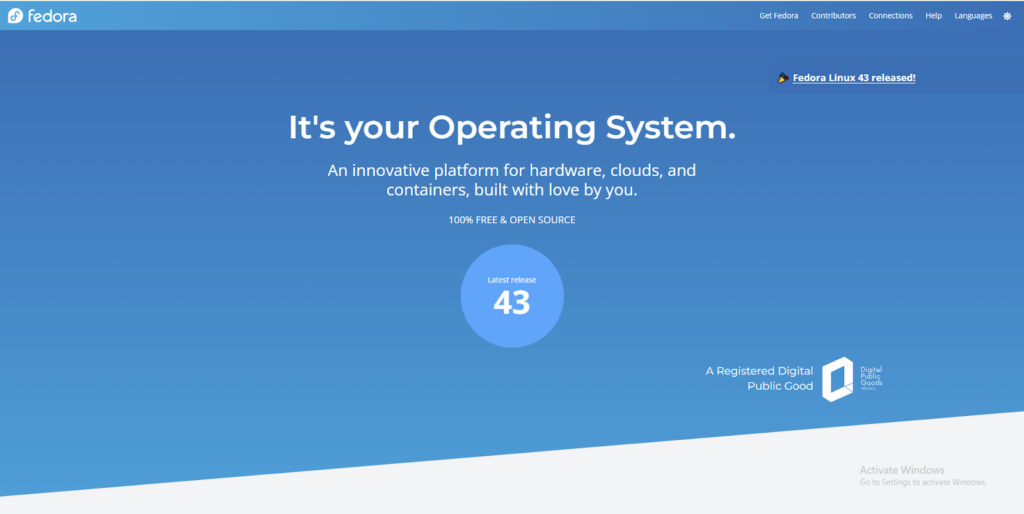
Fedora Server sits upstream from RHEL, delivering bleeding-edge features before enterprise distributions – Red Hat’s community innovation lab.
Why Fedora Server:
- Latest kernel versions and packages
- Modular system for custom configurations
- Container-focused with Podman integration
- Testing ground for future RHEL features
Best for: Development servers, testing environments, teams wanting the latest tech, non-critical workloads
Fedora releases every 6 months with 13-month support windows. A rapid pace suits development, but not set-and-forget production hosting.
- openSUSE Leap – Balanced Performance and Features

openSUSE Leap balances cutting-edge features with enterprise stability. Based on SUSE Linux Enterprise, proven reliability meets modern packages.
Why openSUSE Leap:
- YaST admin tool simplifies management
- Balanced release cycle (major version every 12-18 months)
- Strong SUSE enterprise backing
- Excellent documentation
Best for: Mixed environments (servers + workstations), organizations wanting GUI management, European hosting
OpenSUSE’s Zypper package manager rivals apt and dnf. Tumbleweed rolling release offers an alternative to continuous updates.
- Oracle Linux – Enterprise Support with Free Tier
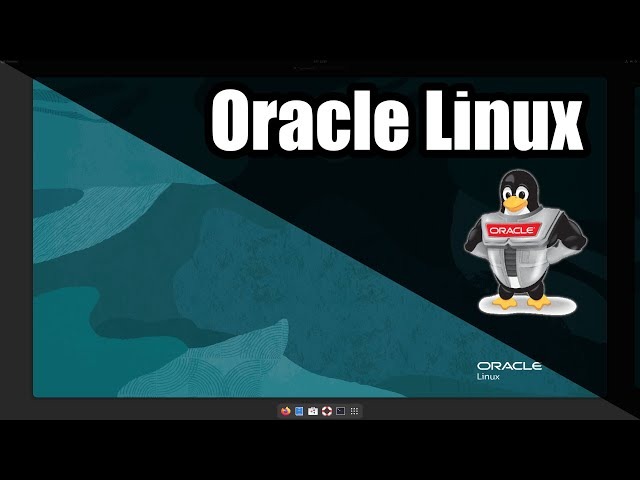
Oracle Linux offers RHEL compatibility with Oracle’s enterprise support and zero-cost basic usage. Includes Oracle’s Unbreakable Enterprise Kernel (UEK) optimized for performance.
Why Oracle Linux:
- Free for unlimited users and systems
- Optional commercial support available
- UEK provides performance improvements
- Strong with Oracle databases
Best for: Oracle ecosystem organizations, enterprises wanting support options, database-heavy workloads
Oracle Linux suits organizations invested in Oracle tech. Free tier includes security updates and full functionality.
- Alpine Linux – Ultra-Lightweight for Containers
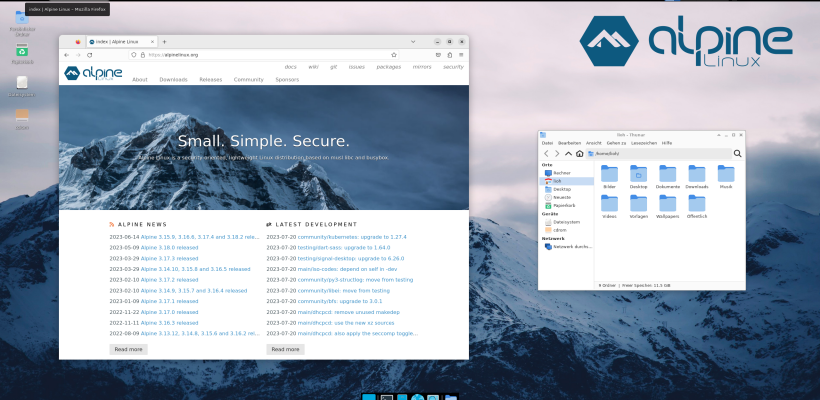
Alpine Linux revolutionized containerization as Docker’s default base image. Incredibly small, secure, and focused on simplicity.
Why Alpine:
- Base under 5 MB, runs in 100 MB RAM
- Security-focused minimal attack surface
- APK package manager is lightning fast
- Perfect for containers and microservices
Best for: Docker containers, Kubernetes deployments, resource-constrained environments, security-conscious hosting
Alpine uses the musl libc instead of glibc, which can occasionally cause compatibility issues. For containerized workloads, it rarely matters.
Quick Comparison: Which Fits Your Needs?
| Your Situation | Pick This | Why |
|---|---|---|
| First Linux server | Ubuntu Server | Easiest learning, massive community |
| cPanel hosting | AlmaLinux or Rocky | RHEL compatible, cPanel certified |
| Maximum uptime | Debian Stable | Conservative updates, proven |
| Cloud deployments | Ubuntu or Debian | Best cloud support |
| Enterprise hosting | AlmaLinux or Oracle | 10-year support, compliance |
| Container hosting | Alpine | Minimal footprint, secure |
| Development/testing | Fedora | Latest packages |
| CentOS migration | AlmaLinux or Rocky | Direct replacement |
Control panel breakdown:
- cPanel/WHM: AlmaLinux, Rocky, CloudLinux
- Plesk: Ubuntu, AlmaLinux, Debian
- DirectAdmin: Ubuntu, Debian, AlmaLinux
- Webmin: Most distros work
Choosing Your Linux Distro: Next Steps
The best distribution depends entirely on your hosting needs, technical comfort, and long-term plans.
Start based on your situation:
Complete beginners: Ubuntu Server 24.04 LTS. A massive community means every problem has documented solutions. Most tutorials assume Ubuntu.
CentOS migrants: AlmaLinux or Rocky Linux. Both provide seamless RHEL-compatible transitions. AlmaLinux has corporate backing; Rocky emphasizes community. Either works excellently.
Maximum stability: Debian 12 Stable. Boring, predictable, incredibly reliable. Perfect for servers you’d rather not touch for years.
Container-focused: Alpine for containers, Debian/Ubuntu for hosts. Minimal attack surface in containers plus stable hosting foundation.
BigCloudy’s VPS hosting comes pre-configured with Ubuntu, Debian, AlmaLinux, or Rocky Linux. Managed services handle OS updates and security patches automatically.
Before committing:
- Test your chosen distro in development first
- Verify required software packages exist
- Check the control panel compatibility
- Review the support lifecycle for your version
- Ensure your provider officially supports it
Linux selection isn’t permanent. Free website migration between distributions is manageable. Choosing correctly from the start saves time and reduces security risks. Web hosting in 2026 offers more stable, secure Linux options than ever. Whether launching your first website or managing enterprise infrastructure, these server-grade distributions provide a reliable foundation for hosting.
FAQs
Ubuntu Server and Debian together power over 50% of web servers globally. AlmaLinux and Rocky Linux grew rapidly following the end of CentOS. Most-used varies by enterprise: RHEL derivatives are preferred while cloud hosting favors Ubuntu.
Yes, with planning. Website files, databases, and configs transfer between distributions. The challenge lies in different package managers and file locations. Use VPS hosting with snapshots to safely test migrations.
Control panels like cPanel handle most tasks through web interfaces. Basic command-line knowledge helps troubleshoot faster. Many providers offer managed services handling Linux administration for you.
LTS (Long-Term Support) gets security updates for 5-10 years without significant changes. Perfect for production. Rolling releases constantly update to the newest software, providing cutting-edge features but requiring frequent maintenance. Choose LTS for stability.
Minimal Linux uses 150-500 MB RAM. Add web server (Apache/Nginx: 50-100 MB), PHP (50-150 MB per process), MySQL/MariaDB (minimum 256 MB), plus applications – budget 2 GB minimum for basic hosting, 4+ GB for comfortable operation.
Absolutely. The world’s biggest websites run on free Linux. Free doesn’t mean hobby project – Ubuntu, Debian, AlmaLinux, Rocky, and Fortune 500 infrastructure. Commercial support exists if needed, but the base software is enterprise-grade.