


What’s the best CMS for your website?
Honestly, that’s the wrong question.
The better question is: which platform actually matches your budget, technical skills, and business goals?
A $5/month WordPress blog makes perfect sense for content creators and bloggers. Shopify handles payments, products, and logistics for online sellers. Wix works well for beginners who just want a simple site that functions without friction. Webflow is ideal for designers who want pixel-perfect control over every detail.
The real problem?
Most CMS comparison guides push you toward one platform without understanding what you’re trying to build. Others overwhelm you with twenty options when, in reality, only four proven platforms dominate most real-world use cases.
In this guide, we’ll break down WordPress, Wix, Shopify, and Webflow honestly, without marketing fluff or biased recommendations, so you can stop endlessly researching and start building something real.
Each platform excels at specific things. Let’s figure out which one actually fits your needs.
What Is a CMS and Why Does Your Choice Matter?
A content management system helps you build websites without having to code everything from scratch. Picture the difference between assembling IKEA furniture and hiring a carpenter to build custom pieces – both work, but one’s much faster for most people.
Google cares about site speed when deciding rankings – Core Web Vitals measures exactly that. Security keeps your customer data from falling into the wrong hands. And flexibility? That’s what separates “I’m stuck with this boring template” from “I can actually make this look how I want.”
Top 4 CMS Platforms Compared
| Platform | Best For | Starting Price | Ease of Use | Not Ideal For |
| WordPress | Blogs, business sites, and flexibility | Free (hosting extra) | Moderate learning curve | Complete beginners wanting an instant setup |
| Wix | Small businesses, beginners | $17/month | Very easy | Sites expecting 50k+ monthly visitors |
| Shopify | Online stores | $39/month | Easy | Content-heavy blogs with occasional sales |
| Webflow | Designers, custom sites | $14/month | Steeper learning curve | Simple business sites needing a quick launch |
1. WordPress – The Flexible Powerhouse
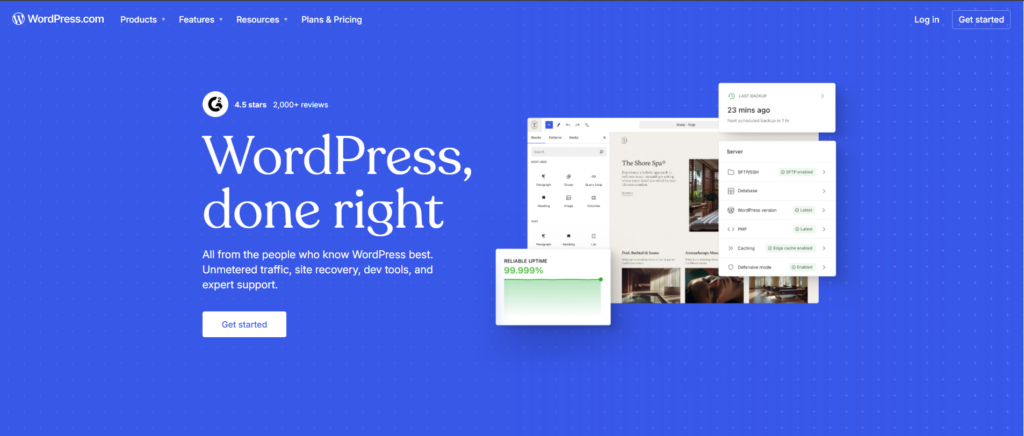
More than 43% of websites run on WordPress, according to W3Techs. That’s not some marketing fluff – it’s because the thing actually works.
Why Millions of Websites Rely on WordPress
WordPress started as a blogging tool back in the day. Now? You can build pretty much anything. Simple portfolio, complex membership site with paywalls, full-blown online store – it handles all of it. What makes it special is having access to over 60,000 plugins.
Need a contact form? There’s a plugin. Want better SEO? Plugin. Email marketing? Yep, plugin for that too.
The latest version (6.7) added this cool “Zoom Out” feature, where you design entire page layouts visually. They also dropped a fresh theme called Twenty Twenty-Five that looks pretty clean right out of the box.
Who Should Choose WordPress?
You’ll probably like WordPress if you want complete control over your site. Bloggers dig the publishing tools – they’re built right in. Small businesses appreciate paying only for hosting since the software itself costs nothing. Developers love that literally everything can be customized if you know what you’re doing.
You’re responsible for keeping things up to date. Plugins, themes, WordPress itself – they all need maintenance. If terms like “plugins” and “PHP” make your eyes glaze over, maybe start with something simpler.
2. Wix – Beginner-Friendly Drag-and-Drop
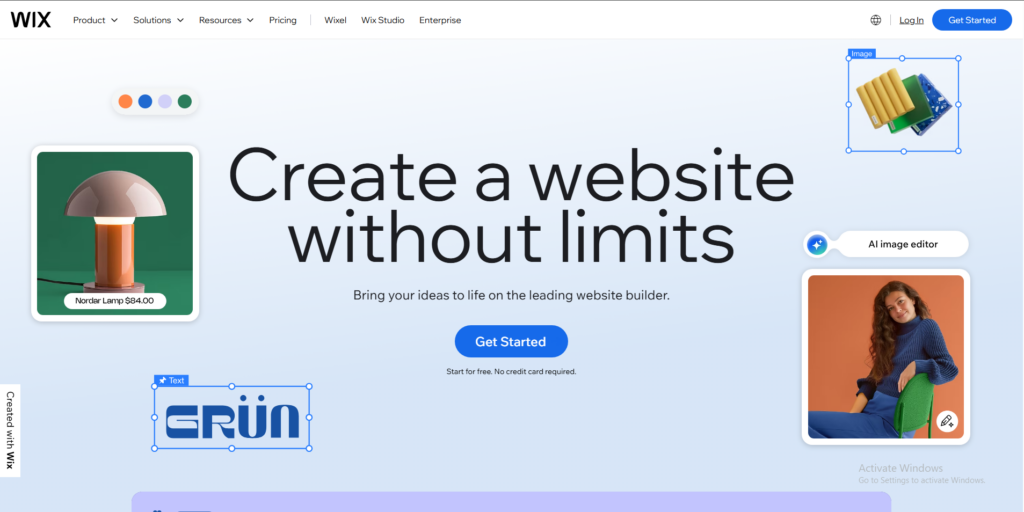
Using Wix feels like playing with digital Lego blocks. Grab stuff, drag it around, drop it where you want. Zero code needed.
Perfect for Small Businesses and Creative Users
Photographers, consultants, local shops – these folks love Wix. You can have a good-looking site up in an afternoon. Their AI tools will even write some content for you and suggest designs based on the industry you’re in.
Plans start at $17/month and include hosting, security patches, and support. Bump up to the Core plan ($29/month), and you can start selling stuff – up to 50,000 products, actually. Payment processing comes built in.
Limitations to Know Upfront
Wix basically locks you in. Moving your site to another platform later? Messy process. And while dragging stuff around is fun, you can accidentally create something that looks awesome on your laptop but weird on phones if you’re not paying attention.
Also, you’re stuck with yearly contracts. The free version exists, but it plasters Wix ads all over your site – not exactly professional.
3. Shopify – Built for eCommerce Success

Selling stuff online? Shopify takes out all the guesswork. Inventory, shipping labels, payment processing – it’s all baked in.
Why Online Stores Prefer Shopify
Shopify was designed from day one for ecommerce. That focus shows up everywhere. Got customers abandoning their carts? The system automatically sends them reminder emails. Processing payments, calculating sales tax by state, printing shipping labels – Shopify handles it.
Over 2 million businesses worldwide use it because, honestly, it just works. Managing products is straightforward: upload some photos, write your description, set a price, and done.
Pricing and Scalability Considerations
Basic plan runs $39/month and covers most new stores. Shopify plan ($105/month) gets you better shipping rates and fancier reports. Really growing? Advanced plan ($399/month) unlocks serious analytics.
Transaction fees depend on how you accept payments. Shopify Payments charges 2.4-2.9% plus 30¢ per sale. Use a different payment processor, and they tack on extra fees.
Watch out, though – costs creep up fast. Need subscriptions? That’s an app. Advanced marketing automation? Another app. They add up.
4. Webflow – Designer’s Choice for Custom Sites
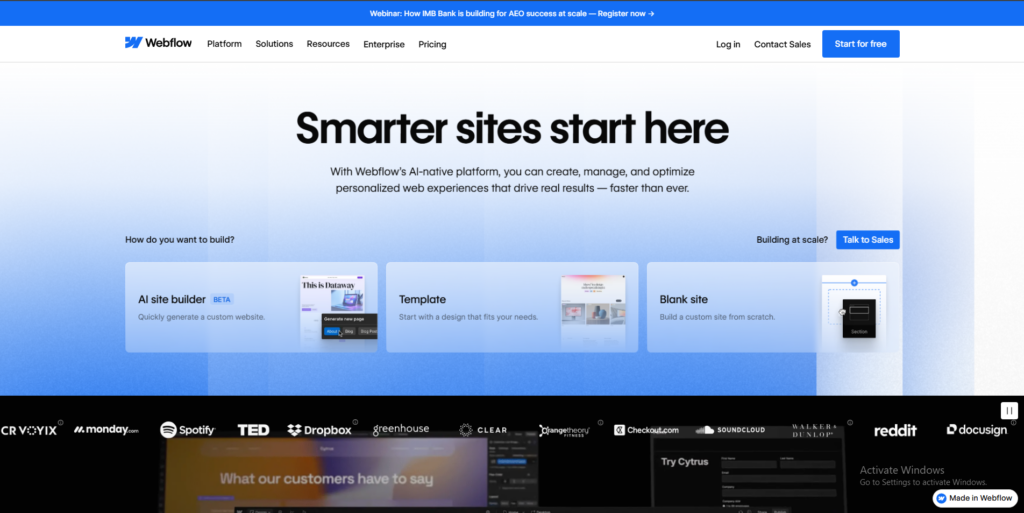
Webflow sits somewhere between visual design and actual code. You design what you see on screen, but clean code gets generated behind the scenes.
Visual Development Without Code
Designers go nuts for Webflow because you get pixel-perfect control without touching CSS. Want animations? Custom interactions? Layouts that actually respond properly on every device? You can build all of it.
The CMS stuff lets you create dynamic sites – news sites, portfolios where everything follows templates you design. They recently updated pricing to give more breathing room with bandwidth and content limits.
Learning Curve and Cost Factors
Webflow takes time to learn. The interface throws a lot at you because it uses real web design terms. Plan on spending a few weeks getting comfortable before things click.
Basic sites start at $14/month, but most people need the CMS plan ($23/month). Getting lots of traffic? You’re looking at the Business plan ($39/month). Want to sell stuff? Ecommerce starts at $29/month, plus you still pay transaction fees.
How to Choose the Right CMS for Your Needs
Forget finding the “best” platform. Match what you actually need to what each one does well.
WordPress is cheapest if you’re comfortable with tech stuff (free software, $5-15/month for hosting). Wix and Shopify bundle everything, but cost more each month. Webflow falls somewhere in the middle.
Never built a website before? Wix’s drag-and-drop makes sense. Comfortable figuring things out? WordPress gives you way more options. Got a design background? Check out Webflow.
Planning to sell 500 products next year? Go with Shopify now. Building a blog that’ll have hundreds of articles? WordPress scales beautifully. Need a portfolio that really stands out? Webflow creates stunning designs.
Real Example: Picking a CMS for a Growing Business
Sarah makes handmade jewelry. Started on Wix because she got everything running in one afternoon. Six months later, orders were piling up, and she needed better inventory tools and shipping options.
She switched to Shopify. Shopify’s ecommerce features saved her hours each week on order processing. Costs went from $29/month to $39/month, but the automated stuff basically paid for itself.
Your first pick doesn’t have to be permanent. But choosing something close to your needs saves you headaches down the road.
Which CMS Should You Start With?
Start where you actually are, not where you think you should be.
New to this whole thing? Go with Wix or Shopify, depending on whether you need a regular site or an online store. You’ll go live in no time without pulling out your hair over technical stuff.
Got some tech comfort? WordPress offers the most flexibility and costs less in the long term. Pair it with solid WordPress hosting services, and you’re set up for success.
Love controlling design details? Webflow creates gorgeous sites if you’re willing to invest time learning the ropes.
The right platform is whichever one you’ll actually use to build something great. All four of these power successful websites – your content, what you’re selling, and how you treat customers – matter way more than the tool you picked.Ready to go? Pick your Hosting Provider, grab a domain name, and start building. You can always adjust the course later once you see what your business really needs.
FAQs
Wix wins hands down if you’ve never done this before. The drag-and-drop stuff makes sense right away, and you can publish something decent in a few hours. Shopify comes in second if you’re specifically selling stuff – they’ve stripped ecommerce down to the basics.
Yeah, but it’s usually annoying. Moving from one WordPress site to another WordPress site? Easy. Trying to bail from Wix or Shopify to something else? You’re exporting content by hand, rebuilding pages, and setting up URL redirects.
Not for basic stuff. Wix and Shopify need zero code. WordPress works fine without code for simple sites, though knowing basic HTML/CSS helps when you want to customize things. Webflow doesn’t require coding either, but understanding how web design works makes life easier.
WordPress traditionally crushes it for SEO because of plugins like Yoast or Rank Math . That said, Wix, Shopify, and Webflow all now have solid SEO tools. For most small businesses, your content quality and how you organize your site matter more than which platform you picked.
Definitely. WordPress keeps evolving – better editing features, faster performance. The massive plugin library means there’s a solution for basically any problem you run into. It’s still the most flexible option if you’re building something content-heavy.